Barcode data collection in manufacturing
BlogAt a glance
Barcode data collection means recording each move of material on the plant floor with a scan, instead of writing it down and keying it in later.
Talk to us about scanningFollow a scan to the ERP
PALLET LABEL
Item
Item 1
Lot
Lot A
Qty
40
PO receipt
Example
Item
Item 1
Lot
Lot A
Quantity
40
Item 1 is on PO 1
Posted to the ERP
One pallet label, three scans, one transaction.
On paper
Written down, keyed in later
A move is written down on the floor and waits to be keyed into the ERP at the end of the shift.
Scanned
Recorded as it happens
Each scan fills in a transaction, which is checked on the device and posted to the ERP.
Every scan
1Scan. The handheld reads the label.2Check. The device tests the scan against the ERP’s data.3Post. The transaction reaches the ERP.
What barcode data collection means
On a plant floor, material moves all day. Deliveries arrive and go to racking, materials go to the line, and finished goods come off it. Each move changes what the ERP should show.
Barcode data collection records each move when it happens, with a scan of a label, so nothing waits on paper to be keyed in at the end of the shift. A few terms come up in any conversation about scanning on the floor:
Bar code label
A printed label that identifies one thing on the floor, such as a pallet or a storage location.
Handheld scanner
A rugged mobile computer with a built-in scanner, carried by most people who work the floor on foot.
Label printer
Prints labels from the system’s own records, at a bench or right on the line.
Transaction
One recorded event, such as a receipt or a move, that updates stock in the ERP.
What each scan records
Most floor transactions need the same few facts. Each one can come from a label, so the person scans it instead of typing it.
| Fact | Where it comes from |
|---|---|
| Item | The product or material label |
| Lot or batch | The lot label, or the supplier’s own label at receiving |
| Quantity | The label on a full pallet or case, or keyed in for a part quantity |
| Location | A label on the rack beam or the floor lane |
| Order | The purchase order or the shop order paperwork that travels with the job |
Select a fact to see where it is scanned from.
Added by the device
The device adds who made the scan and when. Those facts are enough to update stock in the ERP and to keep a trace of where each lot went.
Follow a scan to the ERP
Pick a transaction. Each field fills in from a scan or the line, gets checked, then posts to the ERP.
Item 1 is on PO 1, within the open quantity
PO receipt posted: Item 1, Lot A, 40 received
The transactions on a manufacturing floor
Each area of a plant follows the same scan-and-post pattern.
Receiving
Purchase order receiptReceipt to inspectionCustomer return
Storage
PutawayLocation transferReplenishment of pick faces
Production
Issue to a shop orderProduction reportFinished goods receipt
Shipping
Pick confirmLoad and ship
Inventory
Cycle countPhysical countAdjustment
Backflushing
Some plants record material use once, when production is reported, by working it out from the bill of material. That method is called backflushing. It saves a scan for each material, and it depends on the bill of material being right.
Devices on the floor
Most plants use a mix of devices, chosen for the job and the place.
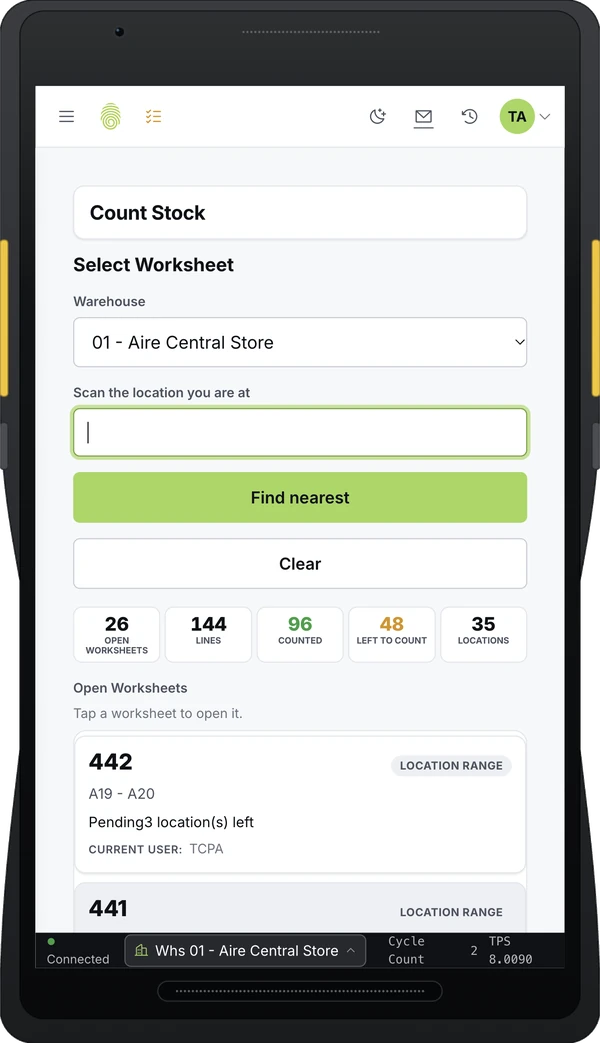
On foot
Handheld scanners
For work on foot, from receiving to counting. Rugged models are built to survive drops and cold rooms.
ReceivingCounting
On the forklift
Vehicle-mounted units
A screen and scanner fixed to a forklift, so the driver can record moves without getting down.
PutawayLoading
On the line
Fixed scanners
Mounted on conveyors and at dock doors, they read labels as goods pass.
ConveyorsDock doors
Also on the floor
-
Label printers
At benches and on carts, plus print-and-apply units on the line.
-
Scales and PLCs
They send weights and counts from equipment straight into the transaction, so nobody keys them in.
Real time or batch
A scanner can post each transaction as it happens, over the plant’s wireless network. It can also store scans on the device and upload them in a batch later.
Real timeAs it happens
Scan
wireless network
ERP checked
Lot A is on hold
Flagged at the scan
Real time catches mistakes while the person is still at the pallet. A wrong item or a lot on hold is flagged at the moment of the scan, and the ERP stays current for planners and customer service.
Batch uploadLater
On the device
hours later
ERP
Lot A is on hold
Found hours later
With a batch upload, the same errors surface hours later, after the material has moved on.
Plan for downtime
A real-time system also needs a plan for the moments when the network or the ERP is unavailable, so that scanning can carry on.
What makes scanning work
-
Labels printed from the record.
A printed label cannot be misread the way handwriting can.
-
A check at every scan.
The device tests each scan against what the ERP knows. It confirms, for example, that the item is on the order and the lot is not on hold.
-
Scan first, then type.
Typed fields such as a part quantity come after the item scan, so each number is tied to the right item.
-
Clear rules for labels that could mean two things.
Some labels carry several barcodes, or a number that could be an item or a lot. The device should work out which is which, and ask only when it cannot tell.
-
Screens built for the floor.
Large buttons and the same steps each time help new staff learn quickly.
A beverage plant scanning into BPCS
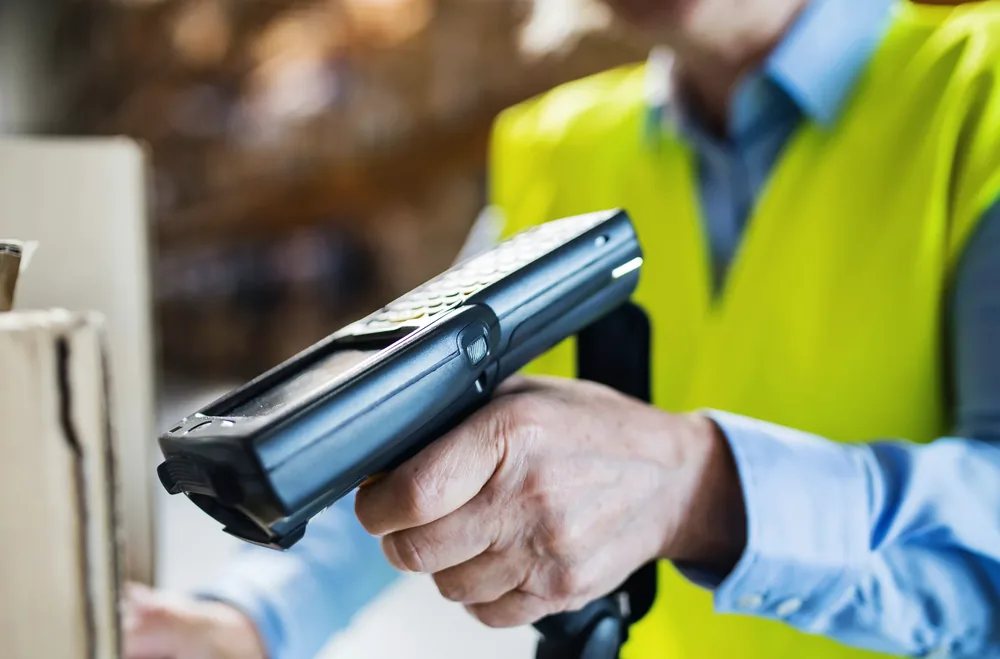
BPCSTouchInventoryiServ AdapterValidated on the RF device
Among the business benefitsIncreased inventory accuracy
Once users understand the power of TouchPath’s software, they want to immediately start adding to the project. It is like unleashing the user’s imagination for everything they have ever wanted a data collection system to do for them.
Project Manager, global beverage manufacturer
A global beverage manufacturer was implementing BPCS and needed real-time inventory movements fed directly into it. Keying the data in after the fact was ruled out, because it delayed the data. TouchInventory and the iServ Adapter posted the purchasing, shop order receipt, inventory and customer picking transactions into BPCS as they happened. The hardware included vehicle-mounted units, handheld scanners and bar code printers, and the system communicated with the PLCs on the palletizer.
Barcode data collection with TouchPath
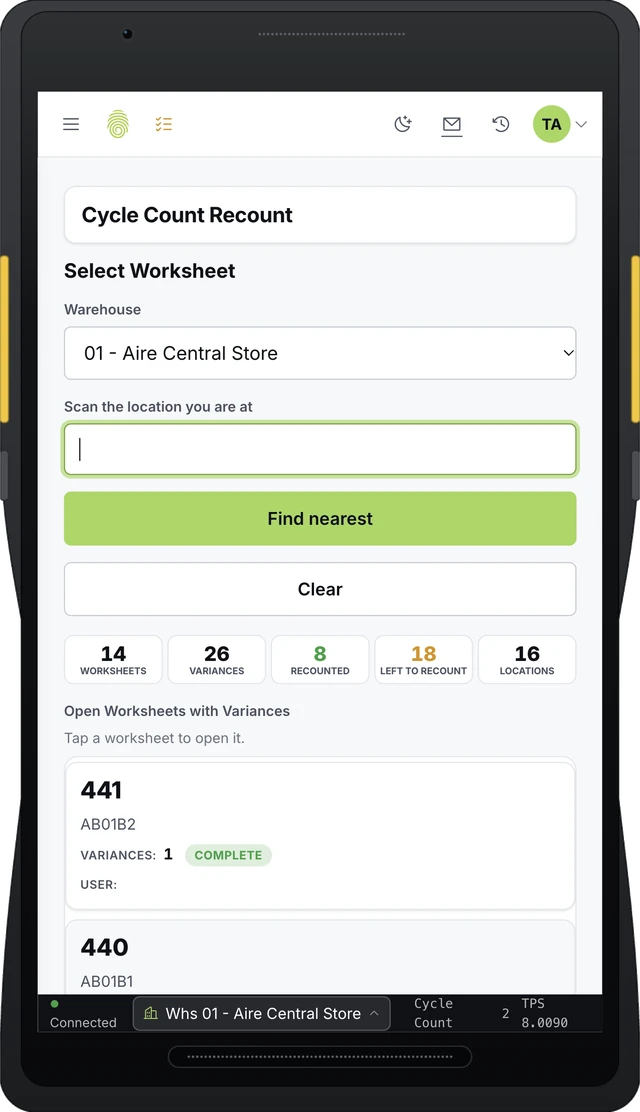
TouchInventory tracks raw materials, work in process and finished goods on the floor and posts them to the ERP. Each transaction posts as it happens, and if the ERP is unavailable, transactions wait in a queue and post when it returns. In TouchWMS, barcode rules work out what was scanned, and the same screens run in the browser on rugged scanners, tablets and phones.
Posts as it happensQueue when the ERP is downBarcode rulesRuns in the browser
Product
TouchInventory
Manufacturing inventory, from raw materials to finished goods, posted to the ERP.
See TouchInventory
Product
TouchWMS
Warehouse management with barcode rules that work out what was scanned.
See TouchWMS
Case study
Real-time inventory flowed into BPCS for a global beverage manufacturer
Four kinds of floor transactions posted to BPCS as they happened.
Read the case study
Related guides: lot traceability, WMS vs ERP and inventory management for general manufacturing.
Still keying in floor paperwork? Tell us how moves are recorded today.
Tell us which ERP you run and how receipts, moves and production are recorded today, and we will walk you through how it would work.
Back to News