
ERP integrations
TouchPath connects its warehouse management (TouchWMS) and floor software to the ERP you run. Its deepest integration is with Infor ERP LX (Infor LX) and BPCS on IBM i, and it also connects to Infor M3 and System21, SAP, Oracle and Microsoft Dynamics 365.
- ERP LX/BPCS adapters that run natively on IBM i, in both directions
- Multiple data message formats, from XML and JSON to IBM i data queues
How TouchPath connects to each ERP
Infor
Infor ERP LX and BPCS

How TouchPath connects
Natively on IBM i, in both directions: iEnabler brings ERP changes into TouchPath over IBM i data queues, and the iServ Adapter posts transactions back into the ERP.
Versions
BPCS 4.05CD, 6.x and 8.x, and Infor LX through 8.4.2; certified to work with IBM i 7.6 (July 2026).
Customer stories
TouchInventory case studies in food and beverage, consumer packaging and food manufacturing (2017 to 2023).
Infor M3
How TouchPath connects
M3 on-premise is supported today: TouchPath reads ERP data through database links and posts transactions through M3’s APIs. Running M3 CloudSuite? Talk to us about connecting through Infor ION and M3’s standard APIs.
Customer stories
Renold: in 2017, rolling Infor M3 out across eighteen manufacturing and distribution sites alongside TouchWMS, with its Cardiff site live on both.
Infor System21
How TouchPath connects
Posting by IBM i data queue or Infor’s Single Shot XML files.
References
Ask us for references for your System21 version: talk to us.
Other ERPs and systems
SAP

How TouchPath connects
Per-transaction API calls, including SAP BAPIs. For SAP S/4HANA: BAPIs on-premise and in private cloud, OData APIs in the public cloud.
Customer stories
A global chemical manufacturer: TouchWMS and RFID at a central distribution center, with customer order data from SAP (2017).
Oracle

Systems
Oracle ERP, including Oracle Cloud Fusion.
References
Ask us for references for your Oracle system: talk to us.
Microsoft Dynamics 365

How TouchPath connects
Per-transaction APIs, typically XML web services.
Customer stories
VADO and Norcros Adhesives chose TouchWMS integrated with Microsoft Dynamics (2018 and 2017); Essentra Components also ran TouchWMS with Microsoft Dynamics in Europe.
Other systems
Systems
Werum manufacturing execution; LIMS; quality, legacy and other back-office systems.
References
Ask us for references for your system and version: talk to us.
Data formats and protocols TouchPath supports
TouchPath software supports multiple data message formats, so it can integrate with a third-party or legacy system:
- XML, JSON, pipe delimited, ODBC, flat file
- MQSeries, IBM i (iSeries) data queues, TCP/IP, UDP
- Web services and APIs, with automatic formatting of SOAP messages
- BAPI (SAP)
- LDAP (Lightweight Directory Access Protocol)
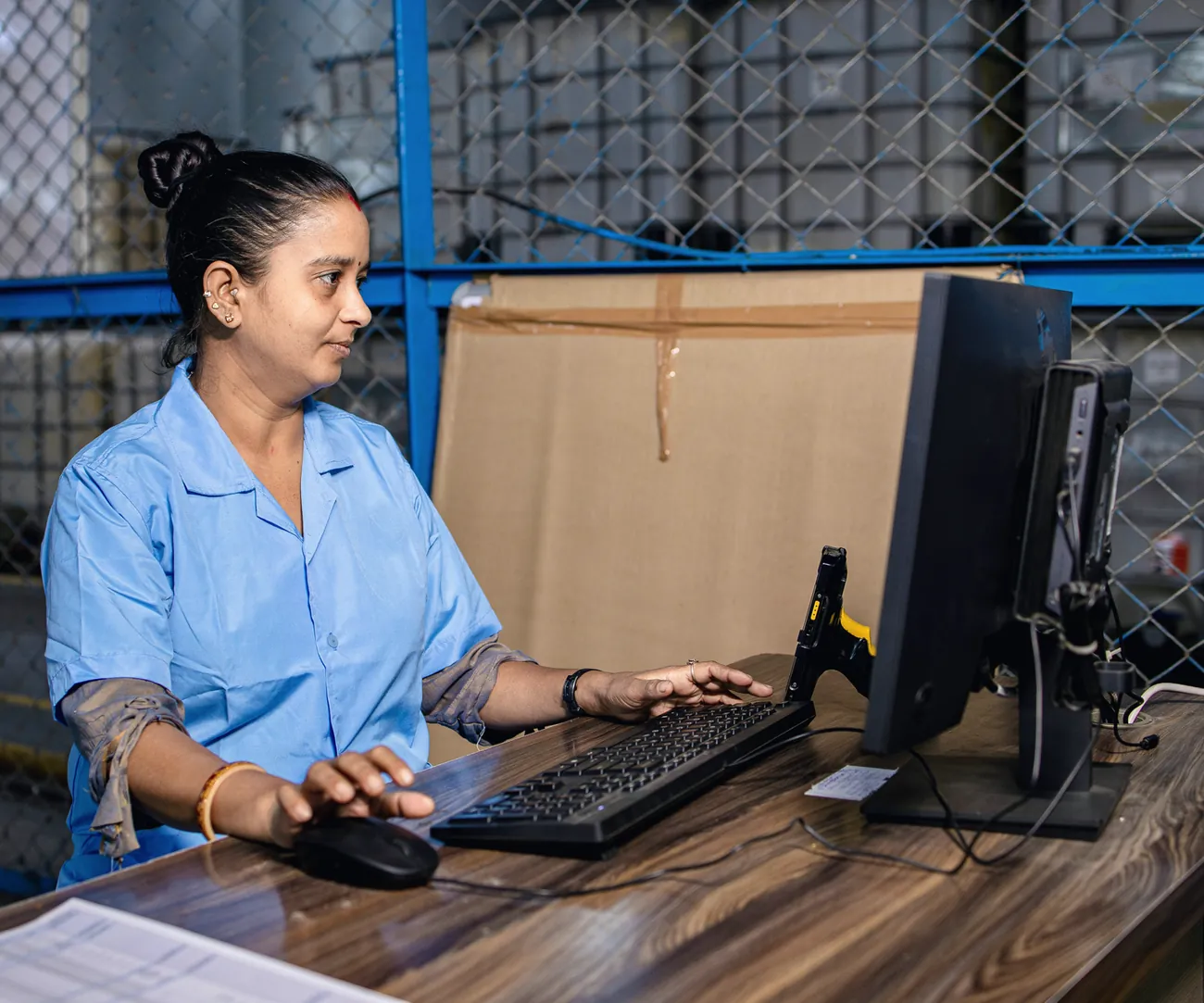
Floor scans post to the ERP as they happen
ERP integrations: common questions
-
Which ERP systems does TouchPath integrate with?
Infor ERP LX and BPCS, Infor M3, Infor System21, SAP, Oracle (including Oracle Cloud Fusion) and Microsoft Dynamics 365. TouchPath has also connected manufacturing execution, laboratory, quality and legacy systems: ask us about yours. See each ERP.
-
Does mapping ERP data to TouchPath need custom code?
No. ERP Data Mapping lets a site map its ERP tables to TouchPath on screen, without custom code.
-
What happens to TouchPath if we change ERP?
Sites moving from Infor ERP LX to SAP or Infor M3 keep their TouchPath floor processes, and TouchPath connects to the new ERP. Talk to us about your move.
-
How does TouchPath connect to an ERP that is not on IBM i?
Through the ERP’s own APIs, usually XML web services. TouchPath reads ERP data through database links where the ERP allows it, and through API calls for SAP.
-
Does TouchPath post warehouse transactions back to the ERP in real time?
Yes, as each transaction is recorded, so the ERP works on current data when it plans. If the ERP is unavailable, transactions wait in a queue and post when it returns.
Which ERP do you run? Tell us what has to post to it.
Tell us your ERP, its version and the transactions you need from the floor, and we will walk you through how it would work.