Real-time inventory visibility from the floor to the ERP
BlogAt a glance
Every receipt, move and pick is scanned where it takes place and posted to the ERP straight away, so the stock figures people plan from match the shelf.
Talk to us about your floorSee TouchInventory for ERP LX/BPCS
Scans from the floor
ReceiptPallet 1 at the dock
PostedQueued
PutawayPallet 1 to aisle A
PostedQueued
Issue to productionLot B to line 2
PostedQueued
PickOrder 1 for shipping
PostedQueued
Each scan is in the ERP as soon as it is made
ERP offline: new scans are held, then post in order
Batch
Written down, keyed in later
Moves are noted on paper or a spreadsheet and entered in the ERP at the end of a shift or a day. Until then, the record trails the floor.
Real-time
Scanned and posted at once
A scan at the dock, the rack or the line updates the ERP, so the record keeps pace with the floor all day.
Where it fits
Real-time supply chain visibility also covers orders at suppliers and goods on the road. This guide covers the stretch inside your own sites: the warehouse and the plant floor, where stock is received, stored, used and shipped.
Where the ERP loses sight of stock
An ERP knows what was planned. It learns what happened on the floor only when someone tells it, and every move recorded on paper leaves the record behind until it is keyed in.
Five places the record falls behind
-
Receiving
Goods are on the dock, but the receipt is on paper, so the stock cannot be put away or promised yet.
-
Putaway and moves
A pallet goes to a new location while the ERP still shows the old one, and the next picker walks to an empty slot.
-
Issues to production
Material goes to the line, and the ERP keeps counting it in the warehouse until someone keys the issue in.
-
Work in process and finished goods
Finished pallets come off the line before the production report is entered, so they cannot be allocated or shipped.
-
Picking and shipping
An order leaves the building before it leaves the record.
The same pallet, two answers
Pallet 1, Lot B
ERP record says
Receiving dock
On the floor
Line 2
Status
Moved, awaiting entry
How sites cover the gap
Extra counts
Labor
Calls to the floor
Time
Safety stock
Cash
Scanning each move on the spot closes the gap at the source.
How a move reaches the ERP
Real-time visibility comes from four steps, repeated on every receipt, move, issue and pick.
-
Label it
Items, lots, pallets and locations carry barcode or RFID labels, so a scan identifies them and nobody types a number.
-
Scan at the spot
The operator scans at the dock, the rack or the line, on a handheld, a vehicle-mounted unit or a fixed reader.
-
Check it on the spot
The device checks the scan against the item, lot and location records, so a wrong move is caught before it becomes a wrong record.
-
Post it to the ERP
The transaction goes to the ERP as soon as it is confirmed, and the ERP stays the system of record for stock and cost.
Counting still matters: cycle counts catch what scanning misses. Read the guide to cycle counting.
What real-time tracking changes
The gains from real-time inventory tracking come from people trusting the number on the screen, so they stop checking it by hand.
|
Keyed in later Batch entry |
Scanned on the spot Real-time |
|
|---|---|---|
| Stock on hand | Right as of the last entry, so planners hold extra stock to be safe | Matches the shelf through the shift, so buffers and carrying costs can come down |
| Finding stock | Pickers search for pallets that moved | The record shows where each pallet is now |
| Errors | Keying from paper adds typos and missed lines | A scan identifies the item and the device checks it |
| Delivery dates | Customer service calls the floor before giving a date | Available stock is visible when the order comes in |
| Problems | Found after the shift, or at the next count | Found at the scan, while there is time to fix them |
| Recalls and audits | Paper records traced by hand | Each lot traced through its recorded moves |
Real-time inventory at a global beverage manufacturer

BPCSTouchInventoryiServ AdapterReal-time inventory
Inventory movements fed straight into BPCS from the floor
The company was moving onto BPCS and did not want plant and warehouse staff keying movements into green screens. TouchPath set up a customized TouchInventory system: inventory, purchasing, shop order receipt and customer picking transactions went from RF devices on the floor into BPCS through the iServ Adapter, each one checked on the device first.
What the company reported
Scanning and checking each transaction on the floor cut errors and reduced labor significantly.
- Inventory accuracy went up
- Less stock lost to obsolescence
- Material handlers worked more efficiently
- More customer orders shipped correctly
Getting to real-time inventory visibility
Most of the work is deciding what gets scanned, where and on what.
-
Choose barcode, RFID or both
Barcodes are cheap to print and suit most moves. RFID reads many tags at once without a line of sight, which pays on pallets through doors and work moving along a line. See RFID tags: advantages and disadvantages.
-
Label what moves and where it sits
Items, lots, pallets and every location that can hold stock, including staging lanes and lineside racks.
-
Match devices to the job
Handhelds for walking jobs, vehicle-mounted units on forklifts, fixed readers at doors and on lines.
-
Agree how each move posts
Decide with IT which ERP transaction each scan creates, and what happens to scans while the ERP is offline.
-
Train by task and act on the data
Short training per task, procedures that say where each scan happens, and a daily exception list so supervisors fix problems while they are small.
A common starting point
What gets a label
Items and lotsOn the carton or bag
Barcode
LocationsRack beams, floor bays, lanes
Barcode
PalletsThrough dock doors
BarcodeRFID
Work in processMoving along a line
RFID
Many plants run barcodes for items and locations, and add RFID only where reading without a line of sight saves real time.
Real-time inventory with TouchPath
In the warehouse, TouchWMS gives you real-time visibility of your inventory and the tools to receive, store, pick and ship it accurately. If the ERP is down, transactions wait in a queue and post when it returns.
On Infor ERP LX and BPCS, TouchInventory tracks raw materials, work in process and finished goods on the floor and posts each move to the ERP.
TouchWMSTouchInventory
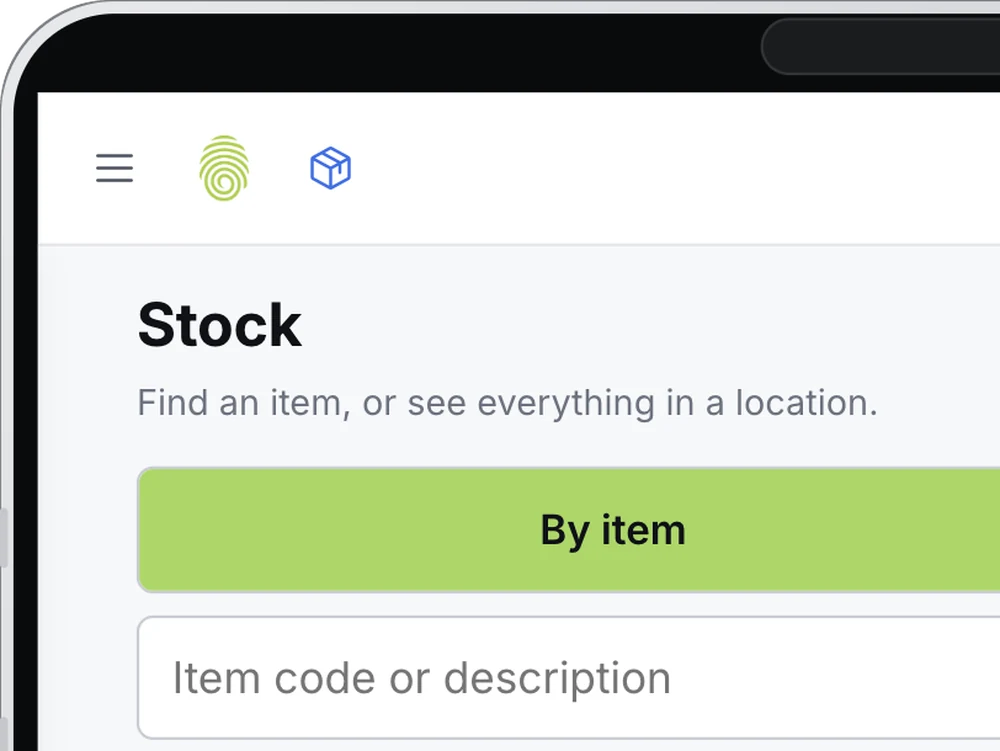
Product
TouchInventory for ERP LX/BPCS
Barcode and RFID inventory transactions on the floor, posted to ERP LX/BPCS.
See TouchInventory
Product
iServ Adapter for ERP LX/BPCS
The link the beverage manufacturer’s floor transactions took into BPCS.
See the iServ Adapter
Solution
Manufacturing inventory management
Inventory on the manufacturing floor, from raw materials to shipments.
See the solution
Related guides: manufacturing inventory management, cycle counting and RFID tags: advantages and disadvantages.
Tell us where stock is still recorded on paper
Tell us which ERP you run and how receipts, moves and picks are recorded today, and we will walk you through how it would work.
Back to News