How to choose a warehouse management system
BlogAt a glance
Choose a warehouse management system (WMS) by how well it runs your floor processes and posts each transaction to your ERP, then by the people who will implement and support it.
Talk to us about your warehouseSee the questions to ask
Shortlist check
Supplier A
ERP fitLive postings at a site like ours
Ask
Floor processesOur flows, run in the demo
See it
DevicesOur scanners and printers
Test
ChangesConfiguration or code
Ask
SupportNight‑shift cover in writing
Ask
The same checks for every supplier on the list
Fit to the floor
Processes and devices
Your receiving and picking flows, run the way your site runs them, on the devices your people carry.
Fit to the ERP
Data and postings
Each move posted to the ERP as it happens, through interfaces that carry through an upgrade.
Where to start
Write down how goods move today and which ERP the WMS has to post to.
What to compare when choosing a WMS
The best warehouse management software for one site can be the wrong choice for the next. Use these six as the rows of your WMS software comparison, and score every system on the shortlist against them.
ERP fit
How each move on the floor reaches your ERP, and how quickly. Ask which versions of your ERP the supplier has connected in production.
Look forPostings you can watch arrive in the ERP
Floor processes
Your receiving and picking flows as the site runs them. Add lot or serial control if you need it.
Look forExceptions handled on the screen
Devices
The handhelds and printers your people will carry. Test the screens on your own devices, in the places they are used.
Look forTested on your devices
Configuration or code
How a new rule or label gets added after go‑live. Configured changes carry through upgrades more easily than custom code.
Look forChanges by configuration
Implementation
Who sets the system up and trains your people, and how long a site like yours usually takes.
Look forA plan with names and dates
Support
Who answers when something stops on a night shift, and how upgrades reach your site.
Look forNamed contacts and an upgrade schedule
How the WMS should post to your ERP
For a manufacturer or distributor, the ERP stays the system of record for orders and inventory value. The WMS runs the floor, and its job is to keep the ERP right.
-
As it happensEach scan posts a transaction when it is made. Planners and customer service then work from the stock on the shelf.
-
Through the ERP’s own interfacesPostings that go through the ERP’s own programs or APIs keep its business rules in force, and they are easier to carry through an ERP upgrade.
-
When the ERP is downTransactions wait in a queue and post when the ERP returns. The floor keeps working.
-
One owner per fieldAgree which system owns each field (item data, for example), so neither one overwrites the other.
Transaction log
ERP offline
ReceiptPO 1, pallet 1
Posted
PutawayPallet 1 to bin 2
Posted
PickOrder 1, line 3
Queued
PickOrder 1, line 4
Queued
The two picks post when the ERP is back
Questions to ask every WMS supplier
Put these to each supplier on the shortlist, and ask to see the answer on screen where you can.
Your ERP and your data
-
Which versions of our ERP have you connected in production, and can we see one of those sites running?
-
Does each transaction post at the scan or in batches, and what happens on the floor when the ERP is down?
-
How will our item data and stock balances be loaded at go‑live, and who checks them?
Your floor
-
Can you run our receiving and picking flows in the demo with our own item and order data?
-
How are lot and serial numbers captured at the scan, and where do expiry dates come from?
-
Which handhelds and label printers do you support today, and can we test ours on site?
Implementation and support
-
Who sets the system up and trains our people, and what do you need from our team in that time?
-
After go‑live, is a change made by configuration or by custom code, and who keeps it working through upgrades?
-
Who answers a support call on the night shift, and can we talk to a customer who has made one?
How to run a WMS selection
A WMS selection works best as a short, written process with a date on each step.

-
Write down how the warehouse runsMap today’s flows and exceptions, and the ERP the WMS has to post to. Bring in the people who will use the system, and IT for the interfaces.
-
Make a long list, then a shortlistIndustry contacts and trade shows give a long list. Your requirements cut it to three to five suppliers.
-
See your own processes in each demoSend every supplier the same scenarios and a sample of your own item and order data, and score what you see against the six things to compare.
-
Visit a reference siteAsk for a site on your ERP with an operation like yours, and talk to the people who run it.
-
Do the numbersBuild the business case from your own labor hours and error counts, then set it against the whole cost of the project before you sign. See how a WMS pays for itself.
Common mistakes when choosing a WMS
Most of these show up after go‑live, and each one is cheaper to avoid during the selection.
|
Mistake What goes wrong |
Instead What to do |
|
|---|---|---|
| Planning | Signing before the requirements are written down | Write the requirements with the people who run the floor and with IT, then plan the implementation before you sign. |
| Data | Assuming the item and location data are ready for go‑live | Clean the item and location data, count the stock and test the ERP interface with real transactions before go‑live. |
| Fit | Running the system as delivered when your processes differ | Configure it to how the site works, and change a process only where the new way is better. |
| Scope | Buying every module on day one | Start with the functions the floor needs now and add the rest in stages. |
| Training | Training a few people and hoping it spreads | Train everyone who scans, with hands-on sessions built on real what-if cases. |
| After go‑live | Treating go‑live as the finish line | Review accuracy and exceptions after go‑live, and adjust the setup as the business changes. |
Where TouchPath fits
TouchPath makes warehouse and shop-floor software for manufacturers and distributors that keeps the floor connected to the ERP in real time.
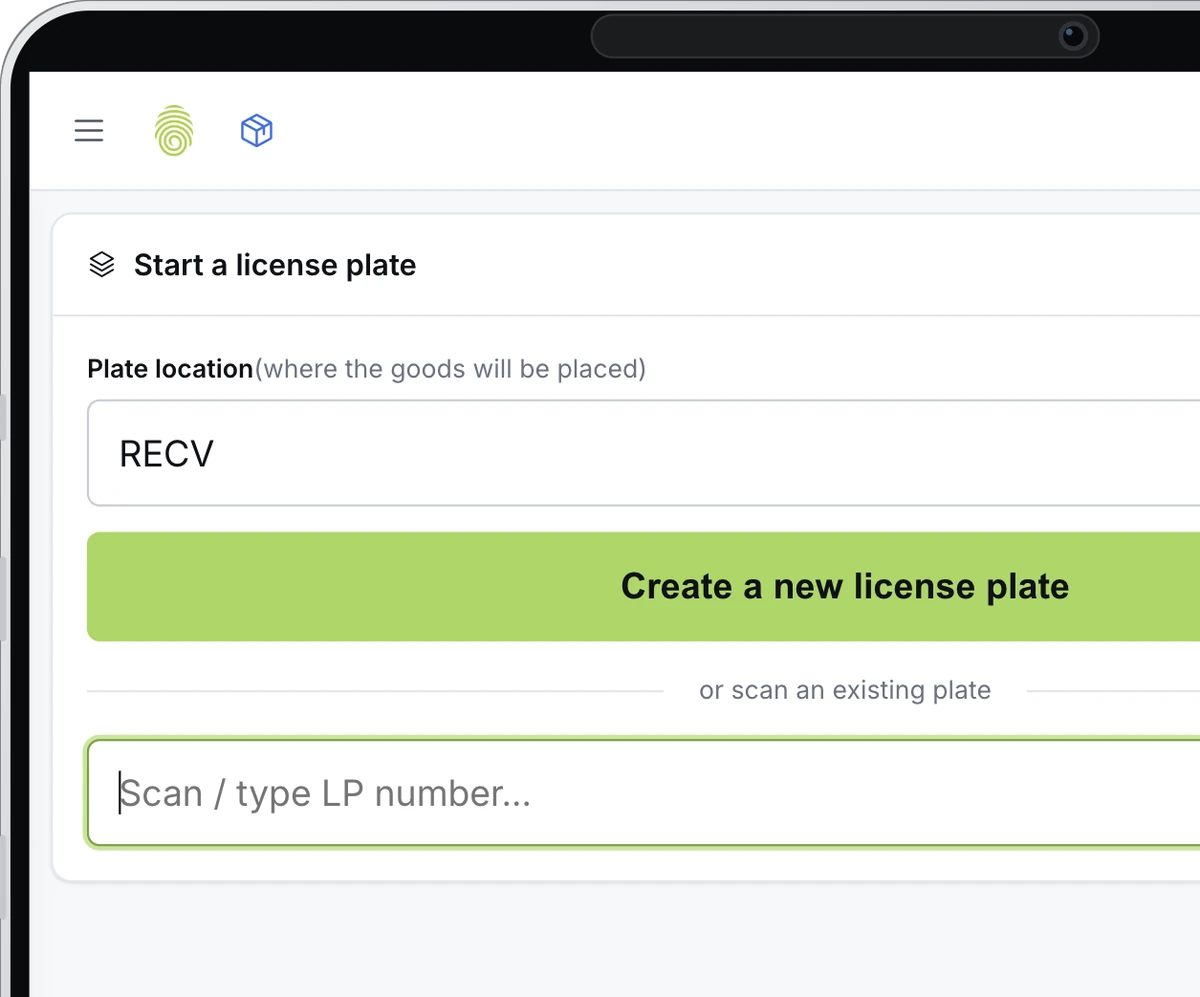
Its warehouse management system, TouchWMS, is configured to each site’s rules. Plants on Infor ERP LX or BPCS on IBM i get TouchPath’s deepest ERP integration.
TouchWMSConnected to the ERP
Guide
Benefits of a warehouse management system
Eight benefits, and results measured at customer sites.
Read the guide
Guide
Functions of a warehouse management system
What a WMS does, function by function.
Read the guide
Guide
Warehouse management explained
The work a warehouse does from receiving to shipping.
Read the guide
Tell us what your WMS has to fit
Tell us which ERP you run and how goods move through your warehouse, and we will walk you through how it would work.
Back to News